

About
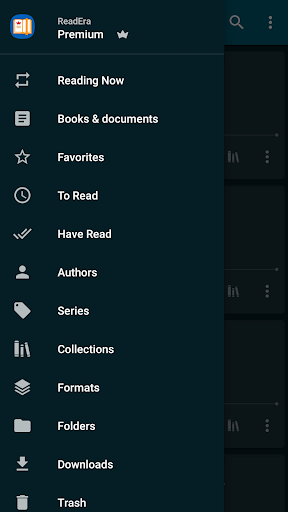
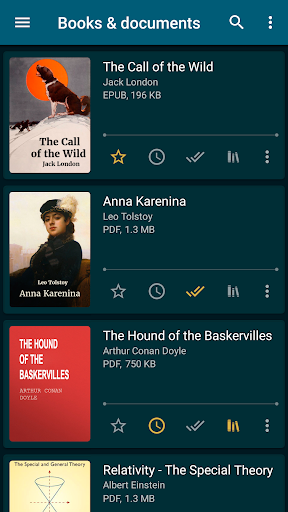
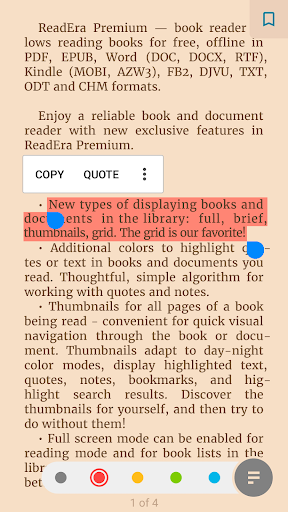
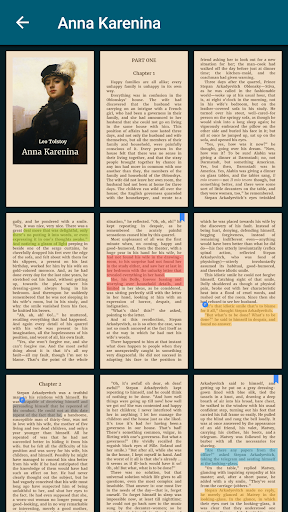
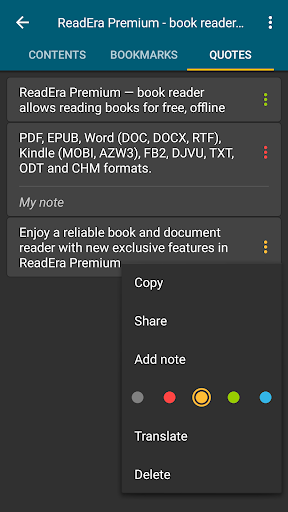
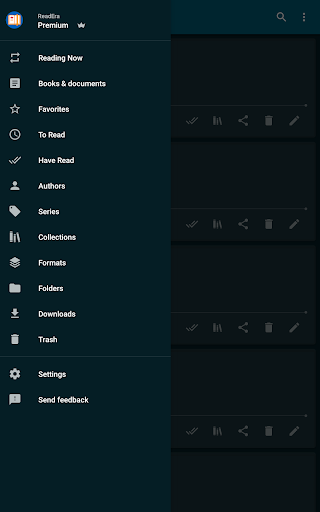
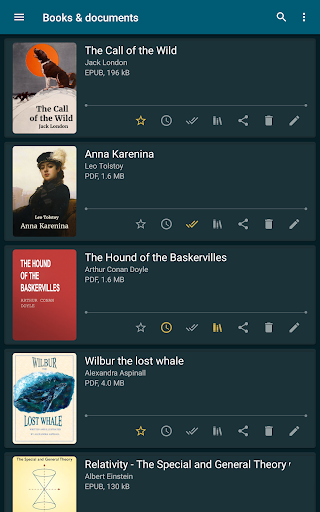
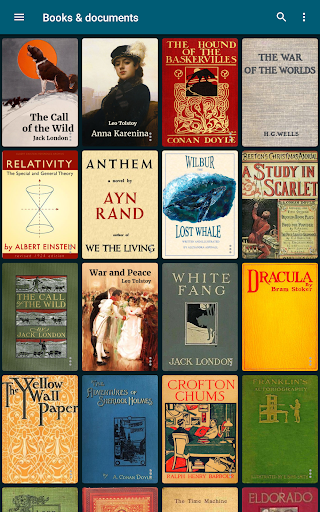
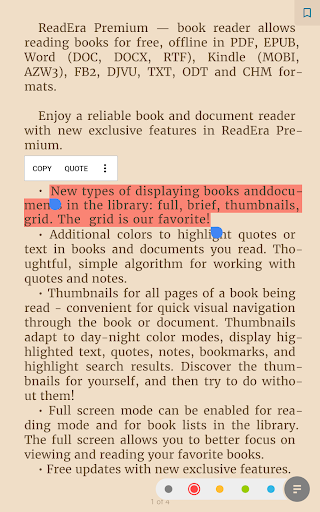
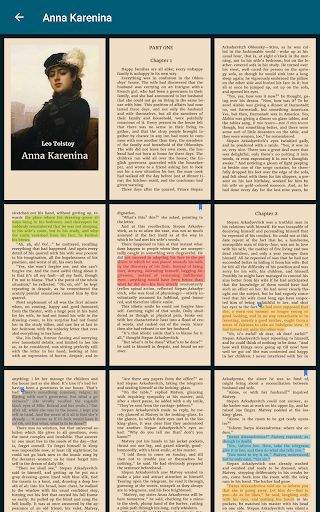
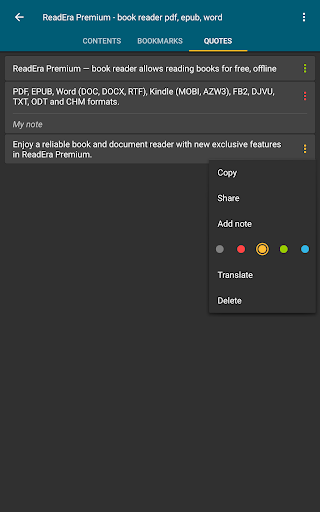
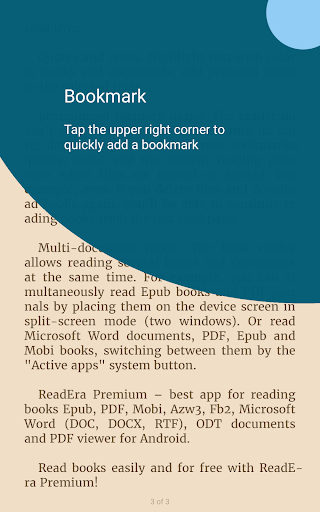
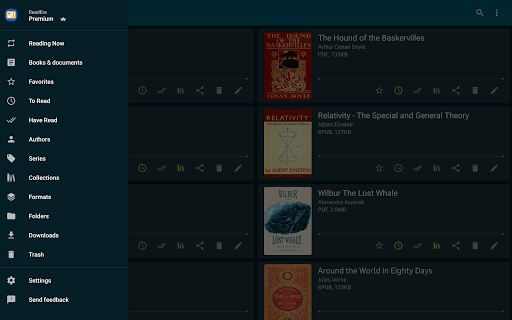
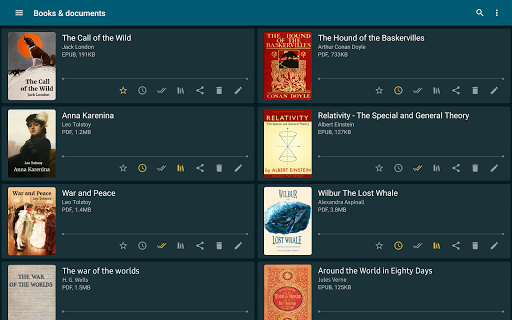
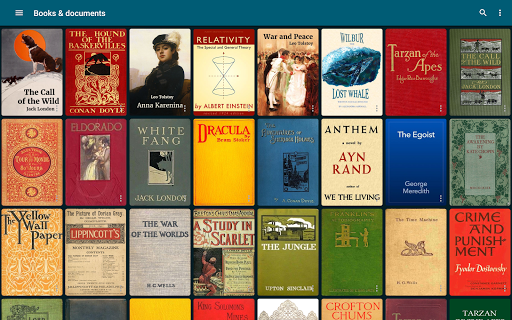
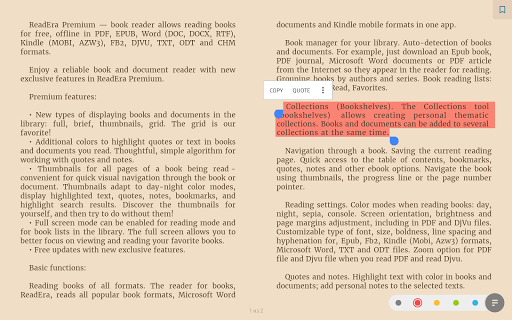
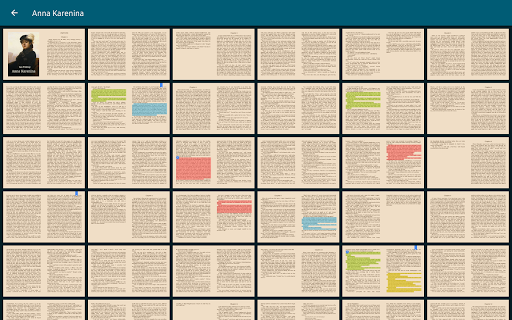
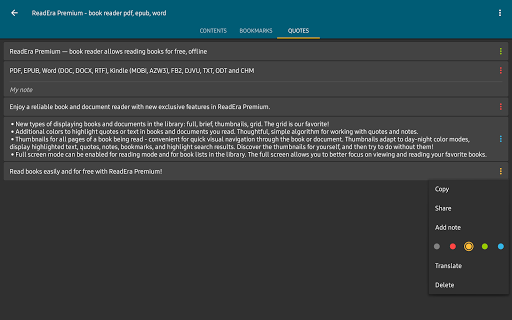
ReadEra Premium — a unique tool for searching, reading, and managing books and documents. The app allows you to automatically locate all supported books and documents on your device, search for books by title and author, read and listen to books, make bookmarks, notes and quotes, manage book and document files, sort and group books and documents by authors, series, and formats, add them to collections, find duplicate book files, view, rename, and move files across external folders, manage folders — create your own unique library of books and documents. ************* 30-day money-back guarantee! ************* You can search for books across your device, read books for free and manage files in PDF, EPUB, Microsoft Word (DOC, DOCX, RTF), Kindle (MOBI, AZW3), Comic (CBZ, CBR), DJVU, FB2, TXT, ODT, and CHM formats. Premium features: Synchronization. Synchronize books, documents, reading progress, bookmarks, and quotes with Google Drive on all your devices. Read aloud in the background TTS. You can listen to books and documents in the background and even with the screen locked. Section: Quotes, Notes ... All quotes, notes, bookmarks and reviews from all books and documents are collected in one place. Section: Dictionary. One section for all your words from all books and documents. My fonts. You can upload your fonts and use them for reading books and documents. Library view. Customize the view of displaying books and documents in the library: full, brief, thumbnails, grid. Colors for quotes. Additional colors to highlight quotes or text in books and documents you read. Page thumbnails. Thumbnails for all pages of a book being read - quick visual navigation through the book or document. Basic, core features: Search for books and documents Automatic detection of all books and documents on your device. The search function allows you to quickly find the desired book or document by title, author, series, format, or language. Quick navigation through book files found on the device The Books & Documents section displays all supported books and documents found on the device, with options to sort them by title, filename, file format, file size, modification date, and reading date. The Authors section displays all authors of books found on the device. The Series section lists all book series detected on the device. The Collections section allows you to create your own personal collections and add bookmarks to the files of found books and documents. The Downloads section displays all books found in the downloads folder on the device. Managing folders on the device The "Folders" section allows you to navigate through external folders, displaying the number of supported books and documents in each folder. This section provides tools for managing folders on the device, including viewing, creating, copying, deleting, and moving folders. Managing book and document files on the device The "About Document" section provides tools for managing compatible books and documents. The section contains detailed information about the exact file location, enables quick access to the folder where the file is stored, helps identify duplicate files for a book or document. You can copy, rename, delete, move, and share the document file. Also, you can edit the title, author, and series of a document, view and edit the annotation of a book, open a document for reading, enable text-to-speech, create and edit bookmarks, quotes, and notes in a book or document. Reading Settings Color themes when reading books: day, night, sepia, console. Setting the orientation, screen brightness and page margins, adjusting the font size, type, boldness, line spacing and hyphenation. When reading PDF and Djvu files, zooming is supported. Read and manage books easily and for free with ReadEra Premium!
Info
Release
21 Dec 2019
Last Updates
• Improved full-screen reading mode for Android 15 and above. • Optimized cover extraction, display of quotes, footnotes, and table of contents in some rare books for an even more comfortable reading experience. • Enhanced Japanese text support: line breaks when displaying ruby (furigana), alignment of inline images; display of enlarged characters and some dialogues. • Improved display of Chinese text in TXT files. • Improved TTS (text-to-speech) performance.
Rating
Rated for 3+
Genre
Books & Reference


Reviews
I found ReadEra Premium while looking for a low cost alternative to BookFusion. BookFusion's subscription fees were too high for me. But I wanted an app that would sync my books between devices. ReadEra Premium is the best. For a one time fee, I can sync all of my books across all of my devices using my Google Drive to store my books. This app is awesome. Support is good too. I emailed them a question and they got back to me within 48 hours.
Orin Safko
Absolutely great to read any kind of document (PDF, EPUB, MOBI...). Also has a text-to-speech feature which is great if you can get used to the voice (which is still robotic). For me that's the feature that I'd like to see improve, to have a better speech quality. But that is not the core of the app so absolutely deserves the 5 stars! EDIT: removed one star because of a frustrating behavior of the TTS. Sometimes it will add pauses of various lengths between sentences. This ranges from 0 to ~10s
Grégoire Pèlegrin
I found the free version when I was looking for pdf readers. I learned about the premium version because my mom got it after I introduced her to the free version. Really enjoy this app, love that I can organize stuff into collections. I read a lot of writing made with friends & fanfics I saved as ebooks. Best app for reading on Android devices, highly recommend getting this. It's even great on Android based gaming devices(like Retroid or Odin 2) as the joysticks can be used to turn the page.
Icyangel10
I'm really impressed with the reader, especially the premium version. it even synchronizes my books, bookmarks, quotes with Google drive, which was really helpful to restore everything because my SD card was corrupted. Even when I changed phones, everything was there with a short download process. I'm very happy with the app.
Dimitar Milushev
Delighted with this app. I chose it because it seems to be the best app to use with books in PDF format, which I prefer as they can be easily zoomed in and out. The app also includes a dictionary to look up words while I'm reading and is a great way of organising my mobile book library. After testing the free app I was sufficiently pleased that I bought the premium version which also sincs very well and saves my bookmarks across different devices.
Marylin C
I am amazed at all the positive reviews. I spent $15 for an app that looks and works exactly like the free version. The problem with that is the scans are bad. I added my Jim Thompson collection and it found 14 of 30 books. Other readers find everything. This is the most disappointed I have ever been with a purchased app. Moon Reader is my next stop.
Aaron Hawk
possibly the only app I'll ever buy and not regret. brilliant app that's worth the money. I upgraded from the free version so I could listen to my books while my phone is locked and it's brilliant. the TTS voices do this weird thing where it stalls speaking each sentence and misses the first syllable or two but opening the app or pausing and unpausing fixes it and it only happens rarely. I also love that it reads PDFs as well as EPUB files and has so many voice and accent options. highly rec
The Little Owl
This is the only one that works perfectly as a reading app should be. Smooth and customizable interface. The only down side is it doesn't support DRM protected books (and I really wish it could!). The other apps that can read DRM are stressing me out with their interface.
Châu Phạm
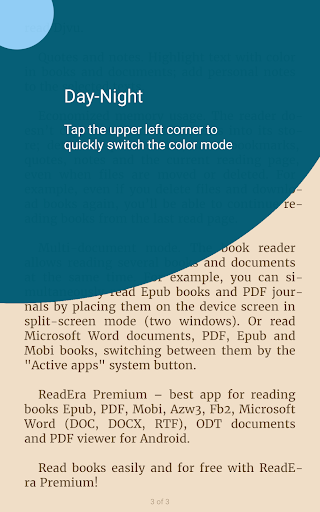
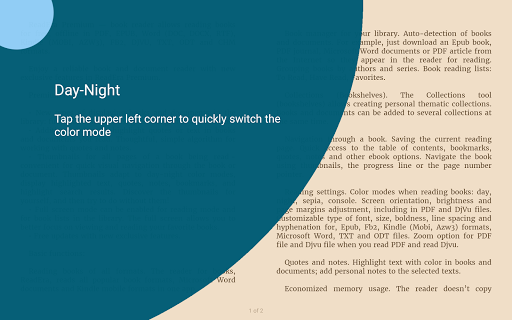
Thank you dev! 1. Day night mode per document basis is just perfect! 2. That annoying 'Syncing reading progress' toast notification every time I turned to a new page is gone! Best ebook reader available on the playstore! The developer actually pays attention to the requests made by the readers. Thank You. May the force be with you!
Dr. Aritra Dhusiya
Great app for reading ebooks. One of the first apps I install when I get a new android device. Handles every format I've thrown at it (.epub, .mobi, .azw3, .pdf, .cbr. etc) & only app I've found that properly displays .pdf covers consistently. Handles large library running from sd card well. Overall I like the features. Only request for ease of use would be support for filtering by tags. My collection is pretty varied & tagged using Calibre. Filtering by genre tags would make this perfect.
Gerald Hughes
I really enjoy this AI Audio reader. I like to read and listen to my books but I can't always afford the audible. This is an awesome Plan B. I immediately purchased the premium option without question. Premium is a one-time charge and it's under $15. You have lots of AI voices that you can choose from. Including Australian, United Kingdom, English and more. I highly recommend this app for people that like things read to them; for whatever reason!
Donna McGee-Mosley